How do I create a prototype in Figma?
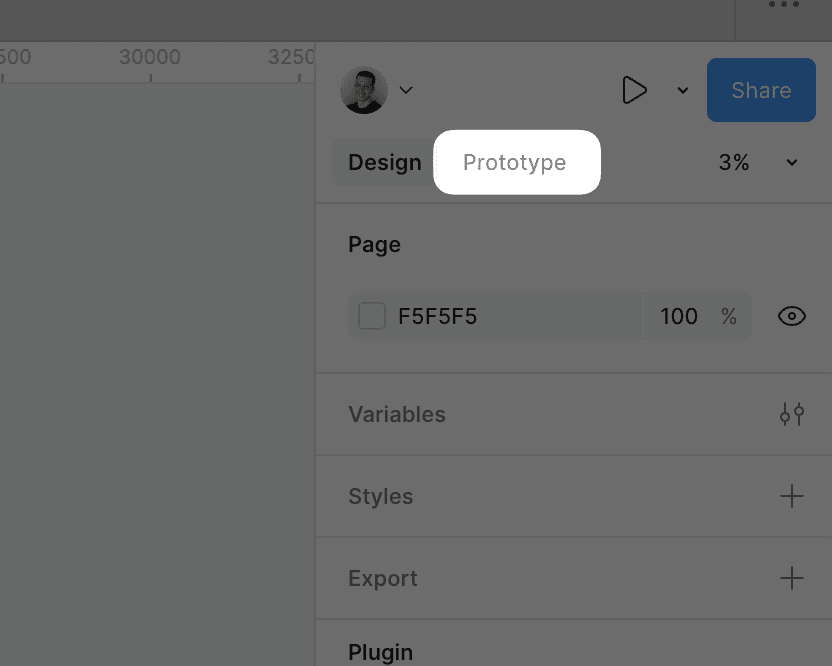
By using the Prototype mode in Figma’s editor. First design your screens in Figma’s canvas. Once you have the frames ready, switch to the Prototype tab. Then connect elements to other frames by drawing interactions and set triggers like “On Click” and animations.
Similar questions
Can I get a job after learning Figma?
How do I set up a layout grid in Figma?
What is Figma used for in design?
Is Figma free to use?
Can Figma be used offline?
Why is Figma so popular among designers?
Which is better, Figma or Sketch?
How do I start learning Figma?
Do I need to download Figma, or can I use it online?
How can I share my Figma designs or prototypes with others?
How long does it take to learn Figma?
What is prototyping in Figma?
How can I share a Figma prototype with others?
Do I need to code to build prototypes in Figma?
Can I test a Figma prototype on a mobile device?
Are Figma designers in demand?
Can I convert Canva to Figma?
Can I learn Figma for free?
Can I learn Figma in 2 days?
Can I learn Figma in 7 days?
Can I learn Figma on my own?
Can I use Figma on my phone?
Can you build a website with Figma?
Can you make money using Figma?
Do professionals use Figma?
Do you need coding to use Figma?
Does Figma need coding?
Does Figma require coding?
Does Figma use canvas or SVG?
What are best practices for managing component states in Figma?
How do I organize files and pages in a Figma project?