


Conversational UX: Definition, Principles, and Design Process
People are used to communicating through conversation, and conversational UX builds on that familiarity by applying conversational patterns to digital systems. Its goal is to make interactions with technology feel more natural, helpful, and easier for the person using the system.
Let’s dive into the principles of conversational UX, the design process behind it and the definition itself.
Table Of Contents
The definition of conversational UX
Conversational UX is the design of interactions between people and computer-generated or AI systems using the patterns of human conversation.
When it's done right, conversational UX makes things easier, gets people more involved, and makes tech feel friendlier. But when it's not, it can come across as robotic, annoying, or just not very helpful.
At its core, it’s about making digital interactions feel more human.

Why conversational UX matters
Conversational UX matters because it helps bridge technology and natural human communication. By working with a communication system people already know, it can make digital interactions feel more human and help computers adapt to the way people are used to communicating.
This can also change how much effort the interaction requires. A conversational approach can reduce friction, make technology feel more approachable, and improve accessibility for users who struggle with traditional interfaces.
Key forms of conversational interfaces
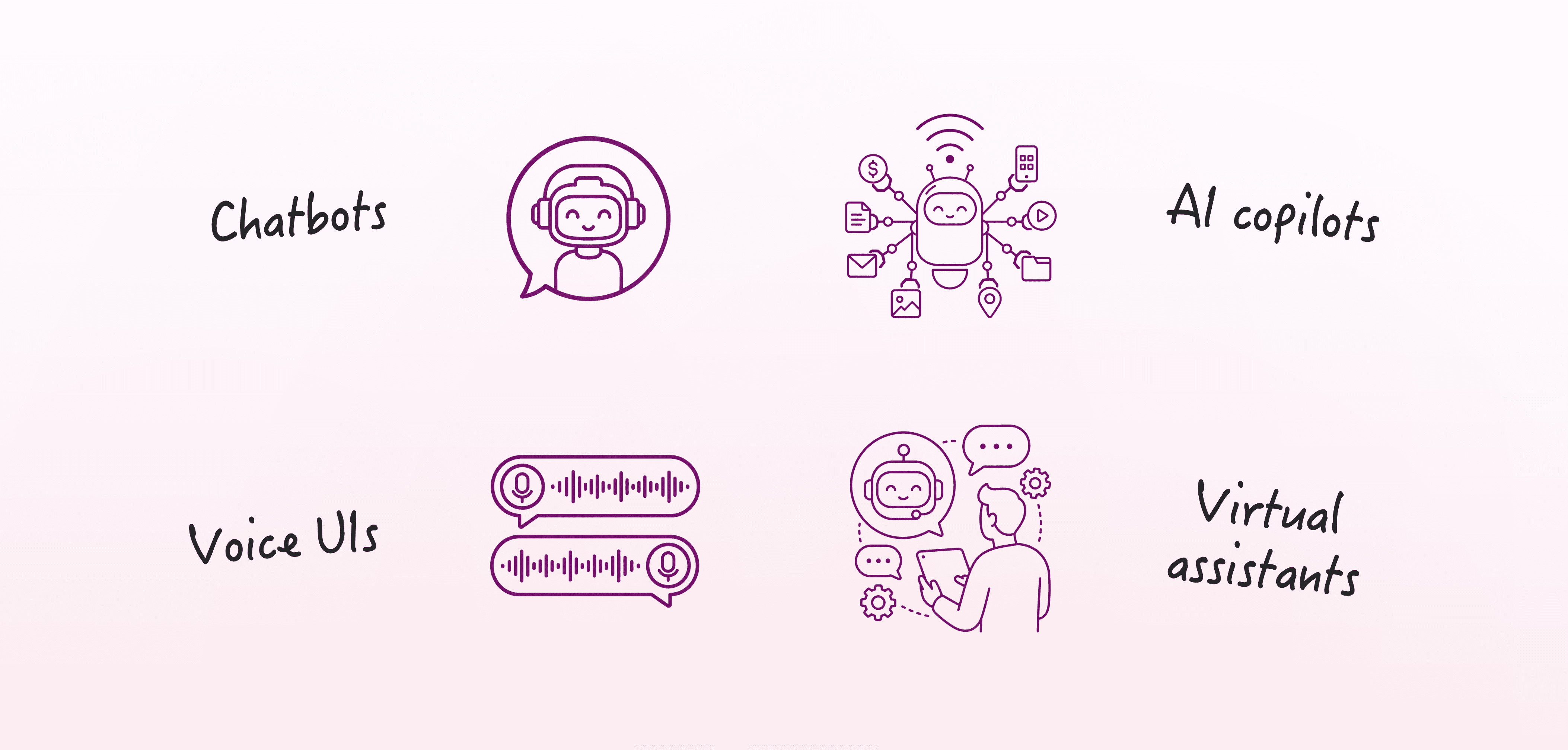
The main types of conversational interfaces are:
Chatbots
Voice UIs
AI copilots
Bots or virtual assistants
Chatbots
Voice UIs
AI copilots
Bots or virtual assistants
What makes conversational UX different from traditional UX
Conversational UX focuses on the flow of interaction rather than only on screens. The structure of the conversation, the system’s responses, and the way users move through different paths all become part of the design.
Brand expression also works differently in conversational UX. Language, tone, behavior, and persona may need to carry parts of the brand experience that would usually come through visual identity. Because of this, microcopy is especially important.
A conversational system also needs its own logic, flow, repair paths, and context handling. Adding voice input or text-to-speech to an existing graphical interface is not enough to create a complete conversational experience.
Core principles of conversational UX
Let's dive into the core principles of conversational UX.
Cooperation
A conversational system should be helpful, relevant, informative, and polite. It should also be designed around the user’s goal, so the interaction gives the user the right information with as little effort as possible.
Goal orientation
As mentioned above, the system should be shaped around user goals rather than system convenience. People enter conversations because they want to do something, solve something, find something, or make a decision, so the interaction needs to support that purpose.
Context awareness
A conversational system should account for what has already happened in the conversation. Users may switch topics, refer back to earlier information, or mention something visible on the screen, so conversation history can help fill in gaps when meaning becomes ambiguous.
Clarity and concision
Responses should be clear, manageable, and written in plain language. Long messages can be broken up with chips, buttons, cards, or carousels, and the system should avoid unnecessary jargon and abbreviations.
Turn-taking
The system should make it clear when it is responding and when it is the user’s turn. It should also avoid long monologues and guide the user through the interaction in a way that is easy to follow.
Truthfulness and trust
The system should not mislead users about what it is, what it can do, or what outcome they should expect. It should also avoid deceptive or vague language.
Error recovery
The system should be able to handle misunderstandings, failed requests, fallback paths, repair sequences, and escalation. Bots should avoid dead ends and provide a way to reach a human when needed.
Navigation and discoverability
Users should be able to understand what the system can do, what it cannot do, and how to move through the conversation. The system should support local navigation, global navigation, and wayfinding, so users can change topics, use keywords to shift context, or return to the main menu.
Personalization
Conversational UX can use details such as someone’s name, past actions, or tailored suggestions to make the interaction feel more helpful. This data should be used responsibly, so personalization adds value rather than making the experience feel uncomfortable.
Privacy and user control
Conversational systems often rely on context, memory, and personalization, so privacy should be treated as part of the user experience.
The system should only collect information that is necessary for the interaction, and users should understand why that information is being collected and how it supports the conversation.
Users should also have clear control over what the system remembers, stores, or shares. When they prefer not to have information retained, they should be able to interact without memory or long-term personalization.
Elements of conversational UX design
Conversational UX design includes language elements such as introductions, prompts, questions, confirmations, acknowledgments, error messages, and endings. These parts shape how the conversation begins, how the system asks for input, how it responds to the user, and how the interaction closes.
It also includes visual elements such as chat bubbles, buttons, cards, carousels, chips, avatars, fonts, and layout.
Voice and audio elements may include cadence, speed, timbre, and prosody, while motion and interaction elements can include motion, gestures, swipes, taps, clicks, and other interaction behaviors.
The interface can also use affordances such as text boxes, send buttons, quick replies, and visible options. Signifiers may include labels, placeholder text, onboarding instructions, and button text.
Feedback is another part of the experience and can include confirmations, corrective responses, affirmative responses, and error responses.

Persona, tone, and brand voice
A clear persona helps guide voice-design decisions. A bot or system persona represents the character behind the conversational system, including its personality, identity, manners, knowledge, tone, and attitude.
Tone and personality should reflect the brand and audience. Research should clarify the company’s voice, tone, messages, goals, and audience persona, so the system persona can remain consistent across the experience. That consistency helps prevent the interaction from feeling fragmented or disjointed.
Design process
Let’s explore each stage of the design process and learn what the conversational experience should achieve, how it should behave, and how it should respond if things don’t go as planned.
User research
The user research stage of the design process starts by asking what users are looking for, what problems they are trying to solve, and how the product can help. Conducting this research will give you a clearer starting point in the process before the conversational experience is designed.
Business-goal research
The business-goal research stage defines what the organization needs the conversational experience to achieve. These goals help clarify what the system should support from the organization’s side, alongside the needs identified through user research.
Competitive analysis
The competitive analysis stage involves reviewing comparable conversational experiences. This can help the team understand how similar experiences are structured before the team defines its own approach.
User personas
User personas define who the users are and what they need. They give the team a clearer picture of the people the conversational system is being designed for.
System or bot persona
The system or bot persona defines the assistant’s role, tone, personality, manners, and relationship to the brand. This helps shape how the assistant communicates throughout the experience.
User stories
User stories identify what users should be able to accomplish. They help connect user needs to specific actions, tasks, or outcomes within the conversational experience.
Sample dialogues or scripts
Sample dialogues or scripts are realistic examples of how conversations may unfold. They help show how the user and system might move through an interaction before the full flow is built.
Conversation flows
Conversation flows map possible paths, including linear and non-linear flows. This helps the team account for both straightforward interactions and conversations where users may move in different directions.
Information architecture
Information architecture structures the conversation so users can navigate, change topics, and recover from confusion. It gives the conversation a clearer shape and helps define how users move through the experience.
Prototype simulation
The prototype simulation stage involves testing the conversation before full implementation. This gives the team a way to review how the flow works before it is fully built.
Stakeholder walkthroughs
Stakeholder walkthroughs involve reviewing the conversation flow with stakeholders. This step gives them a chance to examine the conversation before it moves further into implementation.
User testing
User testing means testing with actual users, watching for confusion or frustration, and collecting feedback. This helps the team understand how people respond to the conversation in practice.
Repair sequences and error messages
Repair sequences and error messages define how the system handles misunderstanding, failed inputs, and fallback paths. These parts of the design process help the conversation recover when something goes wrong or when the system cannot respond as expected.
Implementation and further testing
Implementation and testing continue after launch and after adding new features. Re-evaluating the conversational experience when the system changes helps maintain quality.
Iteration with stakeholders and developers
Iteration with stakeholders and developers refines the system based on evidence, feedback, and observed behavior. During this stage, the team uses these insights to improve the conversation.
Testing and improvement
Prototypes should be tested with actual users throughout the process. During testing, designers should observe confusion, frustration, drop-off, and places where users get stuck. Teams can also track time saved, drop-off rates, and user satisfaction.
User feedback can add more detail to those observations. Users can be asked what worked, what felt robotic, and where the conversation failed. Testing should continue after implementation and when new features are added.
Limitations and design challenges
Conversational systems have limits that need to be considered during design. They do not understand non-verbal human cues in the same way people do, and users may expect the system to understand context that it cannot actually infer.
Poorly designed systems can also create dead ends, confusion, or frustration. To avoid this, designers need to account for both computer limitations and computer strengths, while making sure the system does not try to trick users into thinking they are speaking to a human.
Conclusion
Conversational UX should be understood as more than chatbot copy or voice commands. It is a human-centered design practice that brings together language, interaction logic, context, persona, interface design, testing, and repair.
When it is designed well, conversational UX reduces effort, supports user goals, and makes technology feel easier to use.
FAQs
Is a chatbot the same as a virtual assistant or virtual agent?
Is a chatbot the same as a virtual assistant or virtual agent?
How much training data does a conversational system need?
How much training data does a conversational system need?
What are AI hallucinations, and why do they matter in conversational UX?
What are AI hallucinations, and why do they matter in conversational UX?
Should conversational systems explain what they can and cannot do?
Should conversational systems explain what they can and cannot do?
We’re thrilled to invite you to join our incredible community of product designers (and enthusiasts) by following us on Instagram. We’re here to support you on your journey to falling in love with product design and advancing your career!
Keep on designing and stay hungry, stay foolish! 🥳
andrija & supercharge design team

We’re thrilled to invite you to join our incredible community of product designers (and enthusiasts) by following us on Instagram. We’re here to support you on your journey to falling in love with product design and advancing your career!
Keep on designing and stay hungry, stay foolish! 🥳
andrija & supercharge design team
Related blog posts
You might like the following


LIMITED-TIME OFFER
Get 12 premium members-only video lessons for free
Just tell us where to send them
You can unsubscribe at any time—no strings attached
LIMITED-TIME OFFER
Get 12 premium members-only video lessons for free
Just tell us where to send them
You can unsubscribe at any time—no strings attached